Media Files


:onboarding:digportal
Upload a file to the current namespace here. To create subnamespaces, prepend them to your filename separated by colons after you selected the files. Files can also be selected by drag and drop.
Upload max. 100 MB per file. List of allowed file extensions jpg, jpeg, gif, png, ico, mp3, ogg, wav, webm, ogv, mp4, vtt, tgz, tar, gz, bz2, zip, rar, 7z, pdf, ps, rpm, deb, doc, xls, ppt, rtf, docx, xlsx, pptx, sxw, sxc, sxi, sxd, odc, odf, odg, odi, odp, ods, odt
admin_user_guide_-_dig_portal.pdf (2021/06/25 10:09 793.9 KB)


Use the following syntax to reference this file:
{{:onboarding:digportal:admin_user_guide_-_dig_portal.pdf}}advancedsearch.png (760×430 2021/06/25 10:09 28 KB)

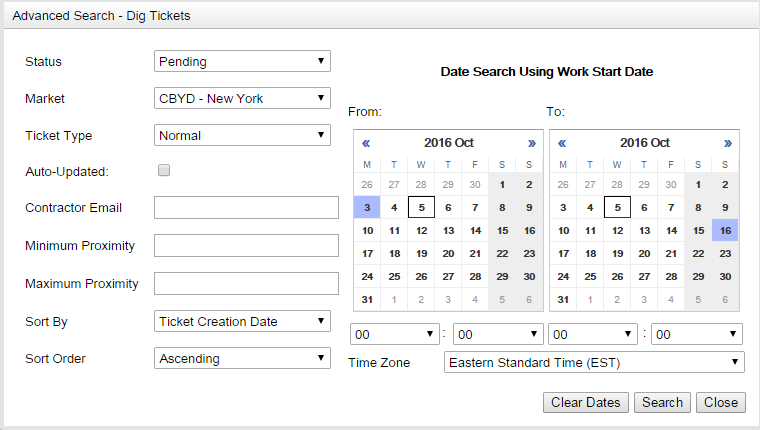

Use the following syntax to reference this file:
{{:onboarding:digportal:advancedsearch.png}}digonboardingworkflow.png (1413×165 2021/06/25 10:09 31.7 KB)



Use the following syntax to reference this file:
{{:onboarding:digportal:digonboardingworkflow.png}}ticketinfoview.png (611×672 2021/06/25 10:09 40.4 KB)

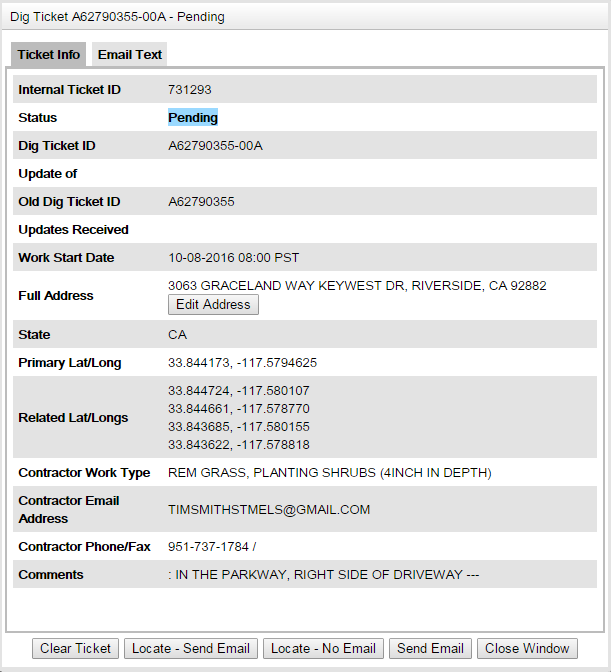

Use the following syntax to reference this file:
{{:onboarding:digportal:ticketinfoview.png}}ticketlist.png (785×768 2021/06/25 10:09 69.1 KB)

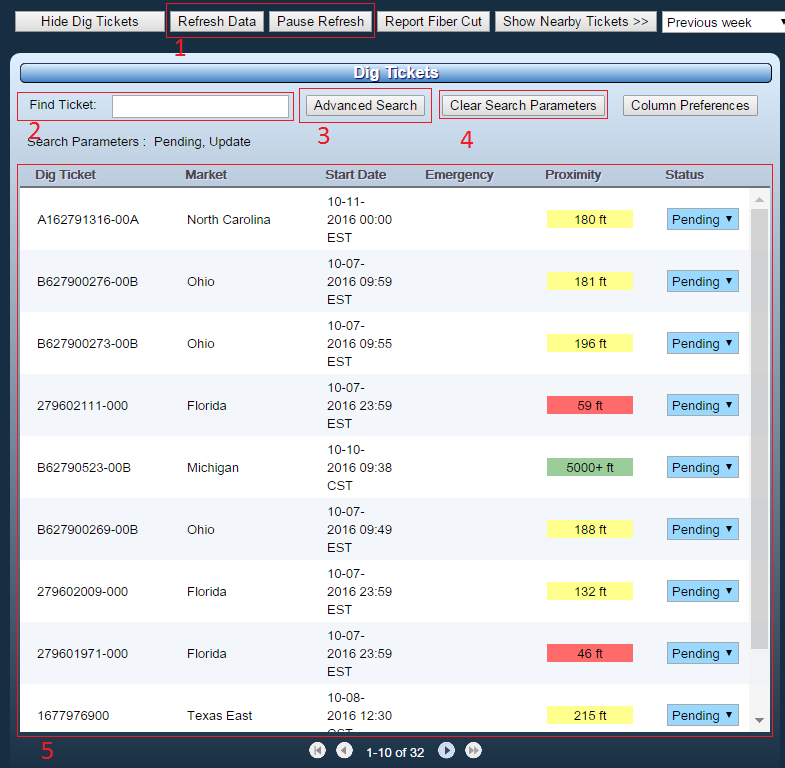

Use the following syntax to reference this file:
{{:onboarding:digportal:ticketlist.png}}