

User Tools
Writing /app/www/public/data/meta/support/backing_up_a_table.meta failed
support:backing_up_a_table
Backing Up A Table
Author: Michelle McCausland
- In the command line or in putty navigate to the home/scotty level of a database. (In this instance I am on Errigal QA - qadb2.err).
- It is important to back up tables on the slave system as opposed to the master to prevent any load/locking issues.
- cd into the temp directory
- Type ls to show the files in this directory:
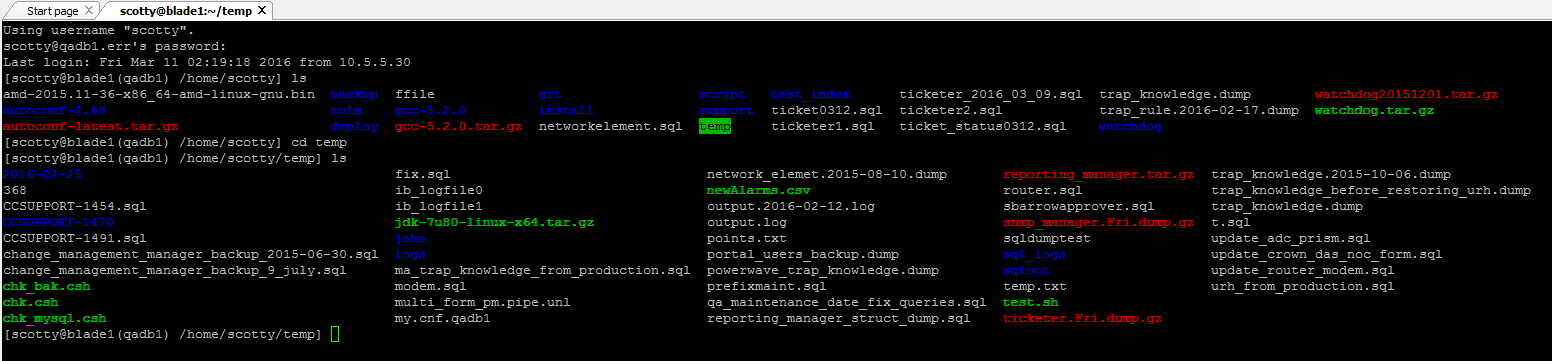
- Use one of the following commands:
- mysqldump –single-transaction -u root -p databaseName tableName > appropriatelyNamedFileWithDate.sql
- mysqldump –single-transaction -u root -p snmp_manager network_element > networkElementBackup0303.sql
- mysqldump -uroot -p ticketer | gzip -v > ticketer.dump.gz
- You will be prompted to enter the password here this will confirm the backup
- If you type ls once again you will see your backup in this directory:

- SUPER IMPORTANT! - To ensure the backup process worked correctly vi/ nano into the file
- vi nameOfFile
- If done correctly you will see some mysql in this file:
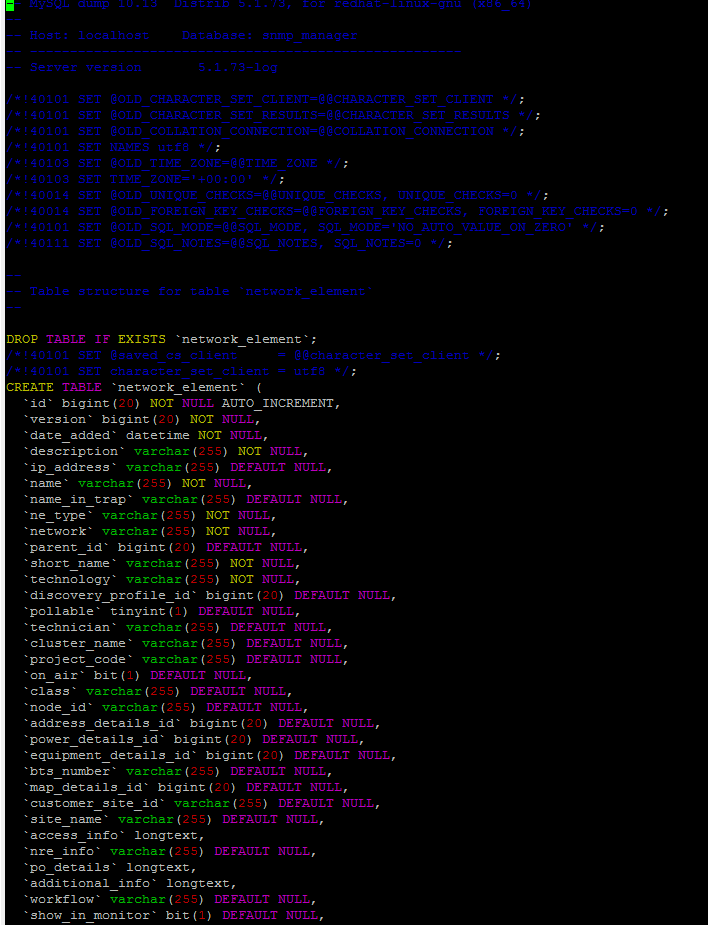
- Now you are good to go!
- Keep an eye on these backups that you take, when these backups become outdated please make sure to remove them from the system, if you are unsure check with someone.
support/backing_up_a_table.txt · Last modified: 2021/06/25 10:09 (external edit)


