

User Tools
Table of Contents
Troubleshooting - Report error /tmp/sql
Author: Michelle McCausland
Example Customer Request
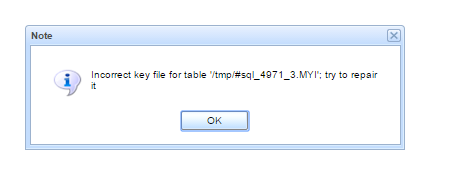
Support, I got a strange error that I have not seen before while running a report (Alarm History for...(Active Alarms))":
Steps to find the solution
Support ticket created was ESR-994263 - Investigate Error when running Active Alarms Report on QA.
1. Attempt to recreate the error
At first when I ran the report with the default variables I couldn't recreate the error.
2. Review the logs for clues
I then went back to the logs from the 1st February to get the variables that Steve used to run the report.
The only difference was that the Start Date was 2016/01/01 and the End Date was 2016/02/08.
The first time running the report with these variables it seemed to hang for ages, even the logs just hung.
I stopped the report and ran it again with this same variables and this time I got the error.
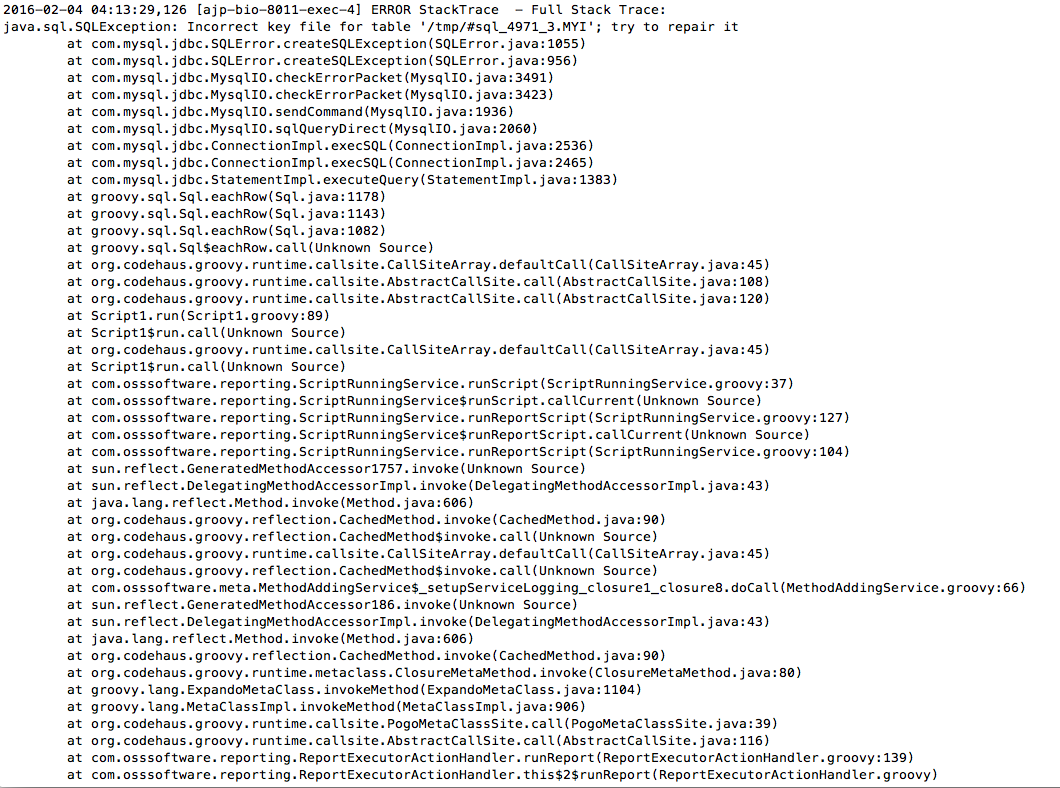
I checked the stack trace and it didn't give an awful lot of info other than it was something that SQL didn't like:
3. Review the codebase
I also took a look at the reporting manager codebase but couldn't find the exception that was being thrown.
4. Use Google
So I turned to google.
The Incorrect key file for table '/tmp/#…. error is caused by a lack of disk space in the /tmp folder.
The error can be resolved in a few ways, either by optimising the query or giving more disk space to the /tmp folder.


